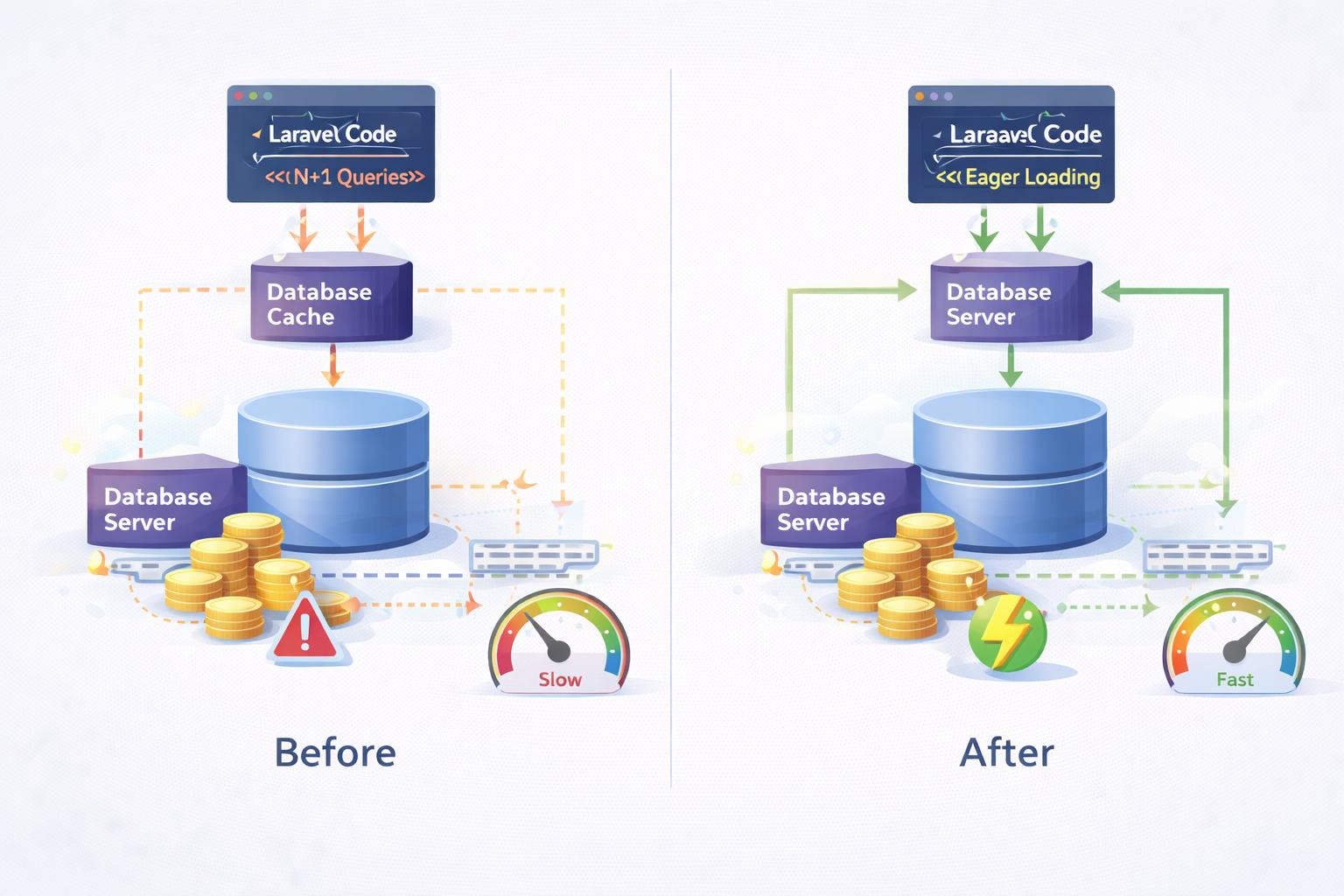
What Is the N+1 Query Problem in Laravel 12? How to Fix It With Eager Loading
The N+1 query problem is one of the most common performance issues in Laravel applications. It occurs when an application executes one query to retrieve records and then executes additional queries to retrieve related data individually.
In this tutorial, we'll explain the N+1 query problem using Laravel 12, demonstrate how it affects application performance, and explore practical solutions using Eloquent eager loading. We'll also cover common Laravel interview questions.
1. What Is the N+1 Query Problem?
The N+1 query problem occurs when Laravel executes one database query to fetch a collection of records and then executes N additional queries to retrieve related records.
For example, imagine an e-commerce application containing 100 products. Each product belongs to a category.
If we retrieve all 100 products and then access each product's category using lazy loading, Laravel may execute:
- 1 query to retrieve the products.
- 100 additional queries to retrieve their categories.
- 101 queries in total.
This is called the N+1 query problem. As the number of records increases, the number of unnecessary database queries can also increase.
2. Real-World Example in Laravel 12
Suppose we have two database tables: products and categories.
Products table
| ID | Product Name | Category ID |
|---|---|---|
| 1 | Laptop | 1 |
| 2 | Mobile | 1 |
| 3 | Office Chair | 2 |
Categories table
| ID | Category Name |
|---|---|
| 1 | Electronics |
| 2 | Furniture |
3. Define the Eloquent Relationship
Each product belongs to one category. Define the relationship in the Product model.
app/Models/Product.php
use Illuminate\Database\Eloquent\Model;
use Illuminate\Database\Eloquent\Relations\BelongsTo;

class Product extends Model
{
    public function category(): BelongsTo
    {
        return $this->belongsTo(Category::class);
    }
}
4. How Does the N+1 Problem Occur?
Consider the following Laravel code:
$products = Product::limit(100)->get();

foreach ($products as $product) {
    echo $product->category->name;
}
The first query retrieves 100 products. When we access the category relationship inside the loop, Laravel lazily loads each product's category.
This can result in 101 database queries: one query for the products and another 100 queries for the related categories.
Even when multiple products belong to the same category, separate product models may execute separate relationship queries.
5. How to Fix N+1 Using Eager Loading
Laravel provides eager loading to retrieve related models efficiently.
Instead of loading relationships individually, we can use the with() method.
$products = Product::with('category')
    ->limit(100)
    ->get();

foreach ($products as $product) {
    echo $product->category->name;
}
Laravel now retrieves the products and their related categories in two queries.
- Query 1: Retrieve 100 products.
- Query 2: Retrieve their related categories.
Performance comparison
| Approach | Queries |
|---|---|
| Lazy loading | 101 |
| Eager loading | 2 |
These are illustrative query counts for 100 products with existing categories. Actual counts depend on the application.
6. Optimize Eager Loading Further
Fetching unnecessary columns increases the amount of data transferred from the database. Select only the columns your application needs.
$products = Product::query()
    ->select(
        'id',
        'name',
        'category_id',
        'price'
    )
    ->with('category:id,name')
    ->orderBy('id')
    ->paginate(25);
The category_id foreign key must be included so Laravel can match products to categories.
Combining eager loading with pagination helps reduce unnecessary database queries and memory usage.
7. Difference Between with() and load()
Both methods support eager loading, but they are used at different stages.
Using with()
Use with() when you know which relationships you need before retrieving the parent models.
$products = Product::with('category')->get();
Using load()
Use load() when the parent models have already been retrieved.
$products = Product::all();

$products->load('category');
8. Use withCount() for Relationship Counts
Sometimes we only need the number of related records rather than the records themselves.
For example, to display the total number of products in each category:
$categories = Category::withCount('products')
    ->get();

foreach ($categories as $category) {
    echo $category->name;
    echo $category->products_count;
}
This avoids loading all related products just to calculate their counts.
9. How to Detect N+1 Queries in Laravel
You can use Laravel Debugbar, Laravel Telescope or Laravel's built-in database query listener to inspect executed SQL queries.
Example using DB::listen()
use Illuminate\Support\Facades\DB;

DB::listen(function ($query) {
    logger()->debug($query->sql, [
        'time_ms' => $query->time,
    ]);
});
Register the listener before executing the queries you want to inspect. Use it in a local development environment and check the Laravel log file.
10. Prevent Accidental Lazy Loading
Laravel can detect unexpected lazy loading during development.
Add the following configuration to the boot() method of AppServiceProvider.
use Illuminate\Database\Eloquent\Model;

public function boot(): void
{
    Model::preventLazyLoading(
        ! app()->isProduction()
    );
}
This helps identify relationship access that could cause unnecessary queries.
Conclusion
The N+1 query problem is a common cause of unnecessary database queries in Laravel. Understanding how Eloquent relationships work is essential for building efficient applications.
By using eager loading, selecting the required columns, implementing pagination and monitoring SQL queries, developers can reduce avoidable database operations.
For more practical Laravel tutorials, PHP interview questions and backend performance optimization techniques, follow Codementrix.
Discussion
Questions and notes from readers. Comments appear after a short review.
No comments yet. Start the discussion.