Git Branching Explained for PHP/Laravel Developers
111 people viewed this
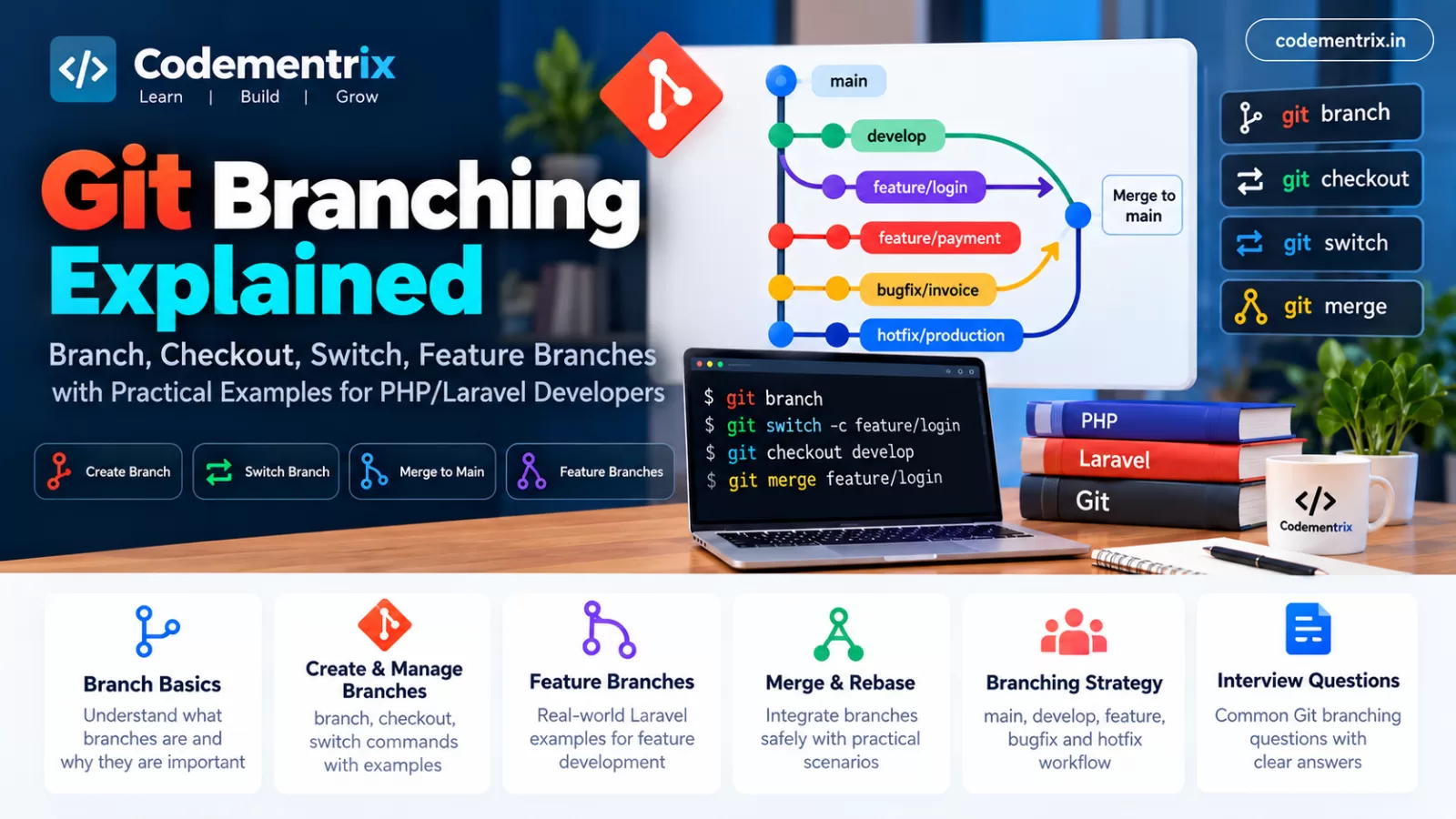
Git Branching Explained for PHP/Laravel Developers
In the previous Codementrix article, we learned the fundamentals of Git, including commits, push, pull, fetch, stash, merge, rebase, and other commonly used commands.
One of the most important Git concepts for developers is branching.
If you work on a Laravel project with multiple developers, you should not normally make every change directly on the production branch. Instead, Git branches allow developers to work on features, bug fixes, and other changes independently.
For example, imagine a Laravel application where one developer is working on login, another is working on payment integration, and another is fixing an invoice bug.
main
 │
 ├── feature/login
 ├── feature/payment
 └── bugfix/invoice
Each developer can work independently and later merge their completed work according to the project's development workflow.
In this article, we will learn Git branching from the basics with real-world PHP/Laravel examples.
Table of Contents
- What is a Git branch?
- Why do developers use branches?
- What is the main branch?
- How to create a branch
- How to list branches
- How to switch branches
- git checkout explained
- git switch explained
- Create and switch to a branch
- What is a feature branch?
- What is a bugfix branch?
- What is a hotfix branch?
- Git branch naming conventions
- Complete Laravel feature branch example
- How to merge a branch
- How to delete a branch
- Remote branches
- Tracking remote branches
- Keeping a feature branch updated
- Branch conflict example
- Branching best practices
- Git branching interview questions
- Complete Laravel branching workflow
- Conclusion
1. What is a Git branch?
A Git branch is a separate line of development that allows you to work on changes independently from another branch.
Think of a branch as a separate workspace for a particular piece of development.
For example, suppose your Laravel project's main branch contains:
main
You need to develop a login module. Instead of changing main directly, create:
feature/login
Now your project can have:
main
  |
  └── feature/login
You can develop the login functionality on feature/login without directly changing the main branch.
Simple Example
git branch feature/login
This creates the branch.
However, creating the branch does not automatically switch your working directory to it.
You can switch using:
git switch feature/login
2. Why do developers use branches?
Suppose a Laravel company project has the following developers:
- Developer A → Login module
- Developer B → Payment gateway
- Developer C → Invoice module
- Developer D → Bug fixes
If everyone works directly on main, changes can interfere with each other.
Instead, they can use:
main
 |
 ├── feature/login
 ├── feature/payment
 ├── feature/invoice
 └── bugfix/customer
Each developer works independently.
After development, testing, and code review, the appropriate branch can be merged according to the team's workflow.
Main advantages of branches
- Isolate feature development
- Reduce risk to stable code
- Allow multiple developers to work simultaneously
- Make code reviews easier
- Support Pull Requests
- Separate bug fixes from new features
- Support different release workflows
3. What is the main branch?
The main branch is commonly used as an important integration or release branch in many Git projects.
Historically, many projects used the name master. Today, main is commonly used for the primary branch, but the exact branch names depend on the project.
For example:
main
develop
feature/login
feature/payment
A project may also use different branch policies, such as requiring Pull Requests before changes can be merged into main.
Important Point
Do not assume every company uses exactly the same branching strategy. In an interview, explain the concept and mention that the actual workflow depends on the team's development process.
4. How to create a Git branch
The basic command is:
git branch feature/login
This creates:
feature/login
But you remain on your current branch.
For example:
git branch feature/login

git branch
You may see:
* main
  feature/login
The * indicates your current branch.
To switch:
git switch feature/login
5. How to list Git branches
Use:
git branch
Example:
* main
  develop
  feature/login
  feature/payment
The star indicates the branch you are currently using.
List remote branches
git branch -r
List local and remote branches
git branch -a
Example:
* feature/login
  main
  remotes/origin/main
  remotes/origin/feature/payment
6. How to switch branches
Modern Git provides:
git switch feature/login
Now your current branch becomes:
* feature/login
  main
You can switch back:
git switch main
Laravel Example
Suppose you are working on payment:
git switch feature/payment
Suddenly you need to inspect the development branch:
git switch develop
After checking the code:
git switch feature/payment
7. What is git checkout?
git checkout is an older and still widely used Git command that can be used for switching branches and performing other checkout operations.
To switch branches:
git checkout feature/login
To create and switch to a branch:
git checkout -b feature/login
The -b option creates the branch and checks it out.
Why do developers talk about switch instead?
Modern Git introduced git switch specifically for branch switching, which makes the intent clearer.
For example:
git switch feature/login
is clearly a branch-switching operation.
However, you should still understand git checkout because you will encounter it frequently in existing projects, documentation, and interview questions.
8. What is git switch?
git switch is primarily used for switching between branches and creating branches.
Switch to existing branch
git switch develop
Create and switch
git switch -c feature/login
The -c option means create a new branch and switch to it.
Example
git switch -c feature/customer-registration
Now you are working on:
feature/customer-registration
9. Create and switch to a branch
There are two common approaches.
Approach 1: Two commands
git branch feature/login

git switch feature/login
Approach 2: One command
git switch -c feature/login
The second approach is convenient because it creates and switches to the branch in one command.
Using the older checkout syntax:
git checkout -b feature/login
10. What is a feature branch?
A feature branch is a branch created specifically for developing a new feature.
Laravel Example
Suppose your Laravel application needs a customer registration module.
Create:
git switch -c feature/customer-registration
Now develop:
app/Models/Customer.php

app/Http/Controllers/CustomerController.php

app/Http/Requests/CustomerRequest.php

database/migrations/
    xxxx_create_customers_table.php

resources/views/customers/create.blade.php
After completing the feature:
git status

git add .

git commit -m "Add customer registration"

git push -u origin feature/customer-registration
Then create a Pull Request according to the team's workflow.
11. What is a bugfix branch?
A bugfix branch is commonly used to isolate a bug correction.
Suppose an invoice total is calculated incorrectly.
You might create:
git switch -c bugfix/invoice-total
Fix the Laravel code:
app/Services/InvoiceService.php
Test it:
php artisan test
Commit:
git add .

git commit -m "Fix invoice total calculation"
Push:
git push -u origin bugfix/invoice-total
12. What is a hotfix branch?
A hotfix branch is commonly used for an urgent production issue.
For example, suppose customers cannot complete payments in production.
A team might create:
git switch -c hotfix/payment-failure
Fix the issue, test it, commit it, and push:
git add .

git commit -m "Fix production payment failure"

git push -u origin hotfix/payment-failure
The branch can then go through the organization's emergency review and deployment process.
The exact use of hotfix branches depends on the company's branching strategy.
13. Git branch naming conventions
Good branch names make a repository easier to understand.
Feature branches
feature/login
feature/payment
feature/customer-api
feature/order-management
Bugfix branches
bugfix/invoice-total
bugfix/login-validation
bugfix/order-status
Hotfix branches
hotfix/payment-failure
hotfix/production-error
Ticket-based branches
Some companies include an issue or ticket number:
feature/JIRA-123-customer-api
bugfix/JIRA-245-invoice-total
The most important thing is consistency with the team's conventions.
14. Complete Laravel feature branch example
Let's walk through a realistic Laravel example.
Requirement
The client asks:
Add a product stock management feature to the Laravel application.
Step 1: Update the development branch
git switch develop

git pull origin develop
This ensures your local development branch is updated before creating the feature branch.
Step 2: Create the feature branch
git switch -c feature/product-stock
Step 3: Develop the feature
You might create:
app/Models/ProductStock.php

app/Http/Controllers/ProductStockController.php

app/Services/ProductStockService.php

database/migrations/
    xxxx_create_product_stocks_table.php

resources/views/products/stock.blade.php
Step 4: Test
php artisan test
Step 5: Check changes
git status

git diff
Step 6: Commit
git add .

git commit -m "Add product stock management"
Step 7: Push
git push -u origin feature/product-stock
Step 8: Pull Request
Create a Pull Request from:
feature/product-stock
to the appropriate target branch, such as:
develop
The actual target branch depends on your team's workflow.
15. How to merge a Git branch
Suppose your feature is complete:
feature/product-stock
You want to merge it into develop.
Step 1: Switch to target branch
git switch develop
Step 2: Update it
git pull origin develop
Step 3: Merge feature
git merge feature/product-stock
If the merge completes successfully, the feature changes are now part of the target branch.
In a team using Pull Requests, the merge may instead be performed through Bitbucket after code review and required checks.
16. How to delete a Git branch
After a feature branch has been merged, the local branch can often be deleted.
git branch -d feature/product-stock
The -d option performs a safety check and normally refuses to delete a branch whose changes have not been merged.
To force deletion:
git branch -D feature/product-stock
Use -D carefully because it can delete the branch even if its changes have not been merged.
Delete remote branch
git push origin --delete feature/product-stock
17. What are remote branches?
A remote branch is a branch that exists on a remote repository such as a Bitbucket repository.
List remote branches:
git branch -r
Example:
origin/main
origin/develop
origin/feature/payment
List both local and remote branches:
git branch -a
18. What is a tracking branch?
A local branch can track a remote branch.
For example:
git push -u origin feature/payment
The -u option establishes the upstream relationship.
After that, you can usually use:
git push

git pull
without specifying the remote and branch every time.
Why is this useful?
It makes the relationship clear:
local feature/payment
        ↓
origin/feature/payment
19. How do you keep a feature branch updated?
Suppose you created:
feature/payment
Several developers have continued working on develop. Your feature branch may now be behind.
One option is merge:
git switch develop
git pull origin develop

git switch feature/payment

git merge develop
Another option, depending on the team's workflow, is rebase:
git switch feature/payment

git fetch origin

git rebase origin/develop
The choice between merge and rebase depends on the project's Git policy and whether the branch history is already shared.
20. Branch conflict example
Suppose two branches modify the same lines in a Laravel controller.
Branch A:
feature/login
Branch B:
feature/authentication
Both branches modify:
app/Http/Controllers/LoginController.php
When you merge:
git switch develop

git merge feature/login
Git may report a conflict.
Check:
git status
Open the conflicted file and resolve the code.
Then:
git add app/Http/Controllers/LoginController.php

git commit
For a rebase conflict, after resolving and staging the file, you normally continue the rebase:
git rebase --continue
If you decide the rebase should be cancelled:
git rebase --abort
21. Git branching best practices
1. Don't develop everything directly on main
Use appropriate branches for features and fixes.
2. Keep branches focused
A feature branch should ideally represent one logical piece of work.
For example:
feature/customer-api
is easier to review than a branch containing:
feature/everything
3. Use meaningful branch names
feature/payment
bugfix/invoice-total
hotfix/login-error
4. Keep feature branches reasonably short-lived
Long-running branches can diverge significantly from the main development line, which may increase integration work.
5. Pull or fetch regularly
Keeping your branch reasonably synchronized with the team's development branch can reduce surprises later.
6. Test before creating a Pull Request
php artisan test
7. Do not commit environment secrets
Keep sensitive environment configuration outside source control according to your team's security practices.
8. Follow the company's branching strategy
Every company may have a different process. Don't assume that every project uses exactly the same branch names or merge rules.
22. Git Branching Interview Questions
Q1. What is a Git branch?
A Git branch is an independent line of development that allows developers to work on changes separately from another branch.
Q2. How do you create a branch?
git branch feature/login
Or create and switch in one command:
git switch -c feature/login
Q3. How do you switch branches?
git switch feature/login
The older command is:
git checkout feature/login
Q4. What is the difference between git branch and git switch?
git branch is commonly used to create, list, and manage branches, while git switch is primarily used to switch branches and create a new branch while switching to it.
Q5. What is the difference between git checkout and git switch?
git checkout is an older, multi-purpose command that can switch branches and perform other checkout operations.
git switch was introduced specifically for branch switching and branch creation, making its purpose clearer.
Q6. How do you create and switch to a branch?
git switch -c feature/payment
Older syntax:
git checkout -b feature/payment
Q7. What is a feature branch?
A feature branch is a branch created to develop a particular application feature independently from another branch.
Example:
feature/customer-registration
Q8. What is a bugfix branch?
A bugfix branch isolates work required to correct a defect.
bugfix/invoice-total
Q9. What is a hotfix branch?
A hotfix branch is commonly used for an urgent production fix.
hotfix/payment-failure
The exact use depends on the team's branching policy.
Q10. How do you delete a branch?
git branch -d feature/login
Force deletion:
git branch -D feature/login
Q11. How do you delete a remote branch?
git push origin --delete feature/login
Q12. How do you list branches?
Local:
git branch
Remote:
git branch -r
All:
git branch -a
Q13. How do you rename a branch?
Rename the current branch:
git branch -m new-branch-name
Rename another local branch:
git branch -m old-name new-name
Q14. How do you push a new branch to a remote repository?
git push -u origin feature/payment
Q15. What is a remote tracking branch?
A remote tracking branch is a local reference that tracks the state of a branch on a remote repository, such as origin/main.
Q16. What happens when you switch branches?
Git changes the files in your working tree to match the selected branch's snapshot, while preserving committed history. If you have uncommitted changes, Git may prevent the switch if those changes would be overwritten.
Q17. Can you switch branches with uncommitted changes?
Sometimes yes, if the changes do not conflict with the target branch. Git may prevent the switch if doing so would overwrite local changes.
If the changes are unfinished and need to be temporarily put aside, you can often use:
git stash
Then switch:
git switch main
Q18. Why should feature branches be created from an updated branch?
Starting from an up-to-date base reduces the chance that the feature branch is immediately behind the current development code.
For example:
git switch develop
git pull origin develop

git switch -c feature/payment
Q19. How do you update a feature branch with the latest develop changes?
Using merge:
git switch develop
git pull origin develop

git switch feature/payment
git merge develop
Or, depending on the team's workflow, using rebase:
git switch feature/payment
git fetch origin
git rebase origin/develop
Q20. What is the difference between a feature branch and a hotfix branch?
| Feature Branch | Hotfix Branch |
|---|---|
| Used for new functionality | Used for urgent fixes |
| Usually part of normal development | Usually related to a production issue |
| Example: feature/payment | Example: hotfix/payment-failure |
23. Complete Git branching workflow for Laravel developers
For a Laravel developer, remember this practical workflow:
1. Get latest development code

git switch develop
git pull origin develop


2. Create feature branch

git switch -c feature/customer-api


3. Develop Laravel feature

app/
routes/
database/
resources/


4. Test

php artisan test


5. Check changes

git status
git diff


6. Stage

git add .


7. Commit

git commit -m "Add customer API"


8. Push

git push -u origin feature/customer-api


9. Create Pull Request


10. Code Review


11. Resolve review comments if required


12. Merge according to team workflow


13. Delete branch after merge if appropriate

git branch -d feature/customer-api
24. Quick Git Branching Cheat Sheet
``` ```
| Command | Purpose |
|---|---|
git branch |
List local branches |
git branch feature/login |
Create a branch |
git switch feature/login |
Switch branch |
git switch -c feature/login |
Create and switch |
git checkout feature/login |
Switch branch using checkout |
git checkout -b feature/login |
Create and switch using checkout |
git branch -r |
List remote branches |
git branch -a |
List local and remote branches |
git branch -d feature/login |
Delete local branch safely |
git branch -D feature/login |
Force delete local branch |
git push -u origin feature/login |
Push new branch and set upstream |
git push origin --delete feature/login |
Delete remote branch |
git branch -m new-name |
Rename current branch |
git merge feature/login |
Merge feature branch |
git stash |
Temporarily save local changes |
25. Key points to remember for interviews
- A branch is an independent line of development.
- ```
git branchis used to create/list/manage branches.git switchis primarily used to switch branches and create a branch while switching.git checkoutis an older multi-purpose command that can also switch branches.- Feature branches are commonly used for new functionality.
- Bugfix branches are commonly used for defect corrections.
- Hotfix branches are commonly used for urgent production fixes.
- Branch naming conventions should be consistent with the team's process.
- Feature branches should generally start from an appropriate, up-to-date base branch.
- Always understand the team's merge and rebase policy before rewriting shared history.
- ```
26. Conclusion
Git branching is one of the most important concepts for PHP and Laravel developers working in a team.
Instead of making every change directly on the main branch, developers can use separate branches for features, bug fixes, and urgent production fixes.
The most important commands to remember are:
git branch
git switch
git checkout
git switch -c
git merge
git branch -d
git branch -r
git branch -a
git push -u origin
The key is not simply memorizing these commands. You should understand why a branch is created, when to switch branches, how to keep a branch updated, and how the branch eventually reaches the shared codebase.
For Laravel interviews, try to explain branching using a real project example such as:
develop
   |
   ├── feature/payment
   ├── feature/customer
   └── bugfix/invoice
This demonstrates practical Git knowledge rather than only theoretical knowledge.
Was this useful?
No ratings yet — yours can be the first.
Discussion
Notes from readers. Comments appear after a short review.
No comments yet. Start the thread below.